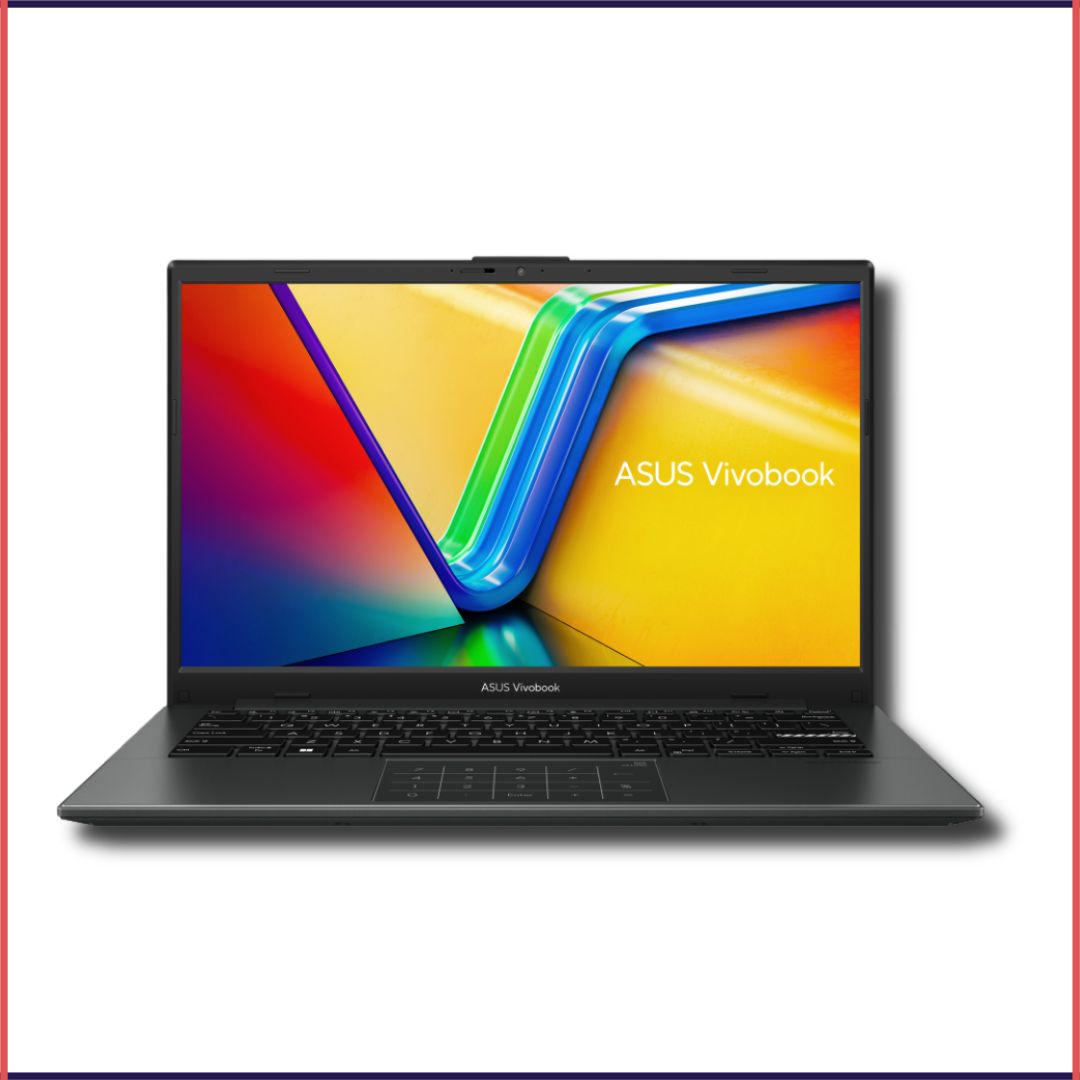
ASUS Vivobook Go 14, E1404FA-NK5541WS
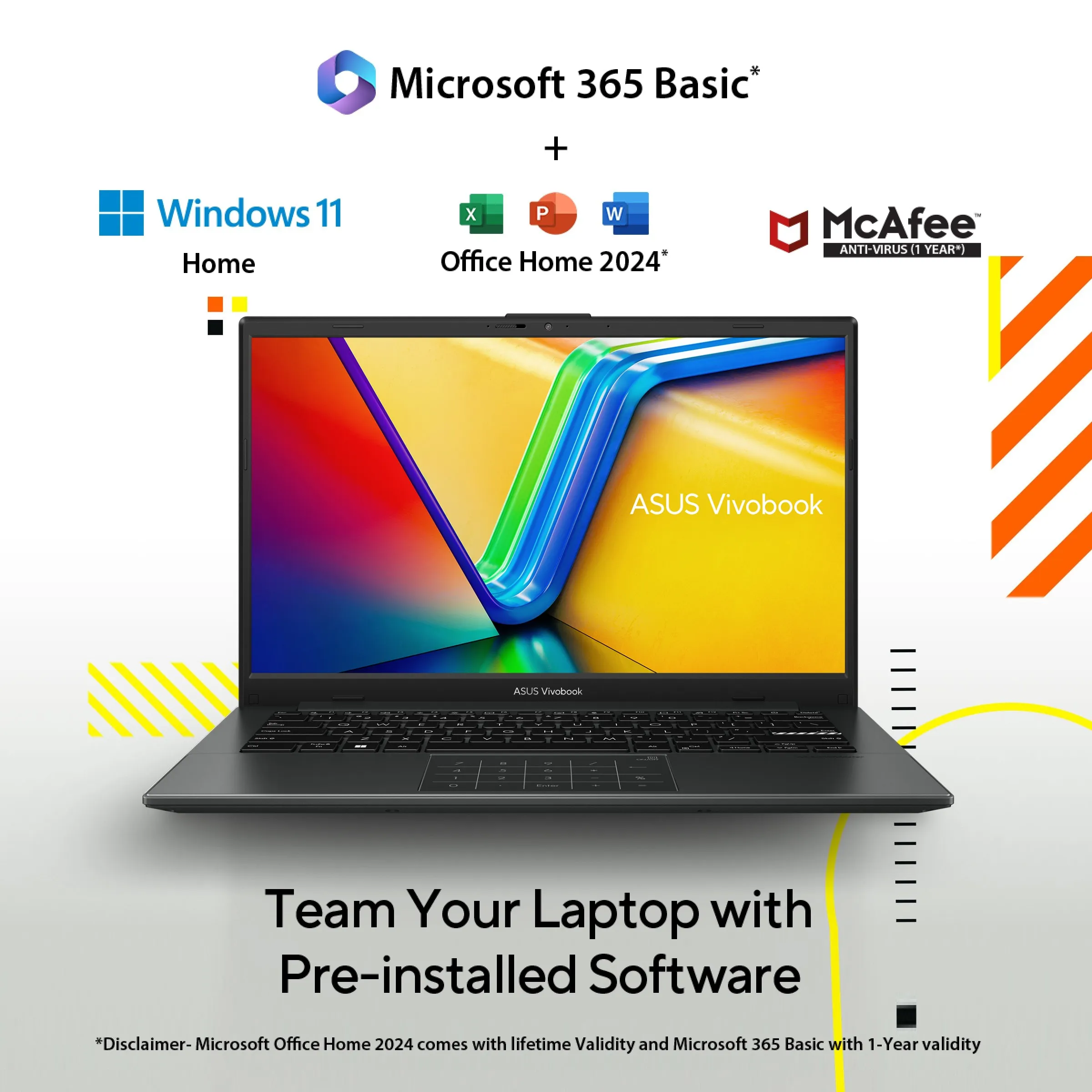
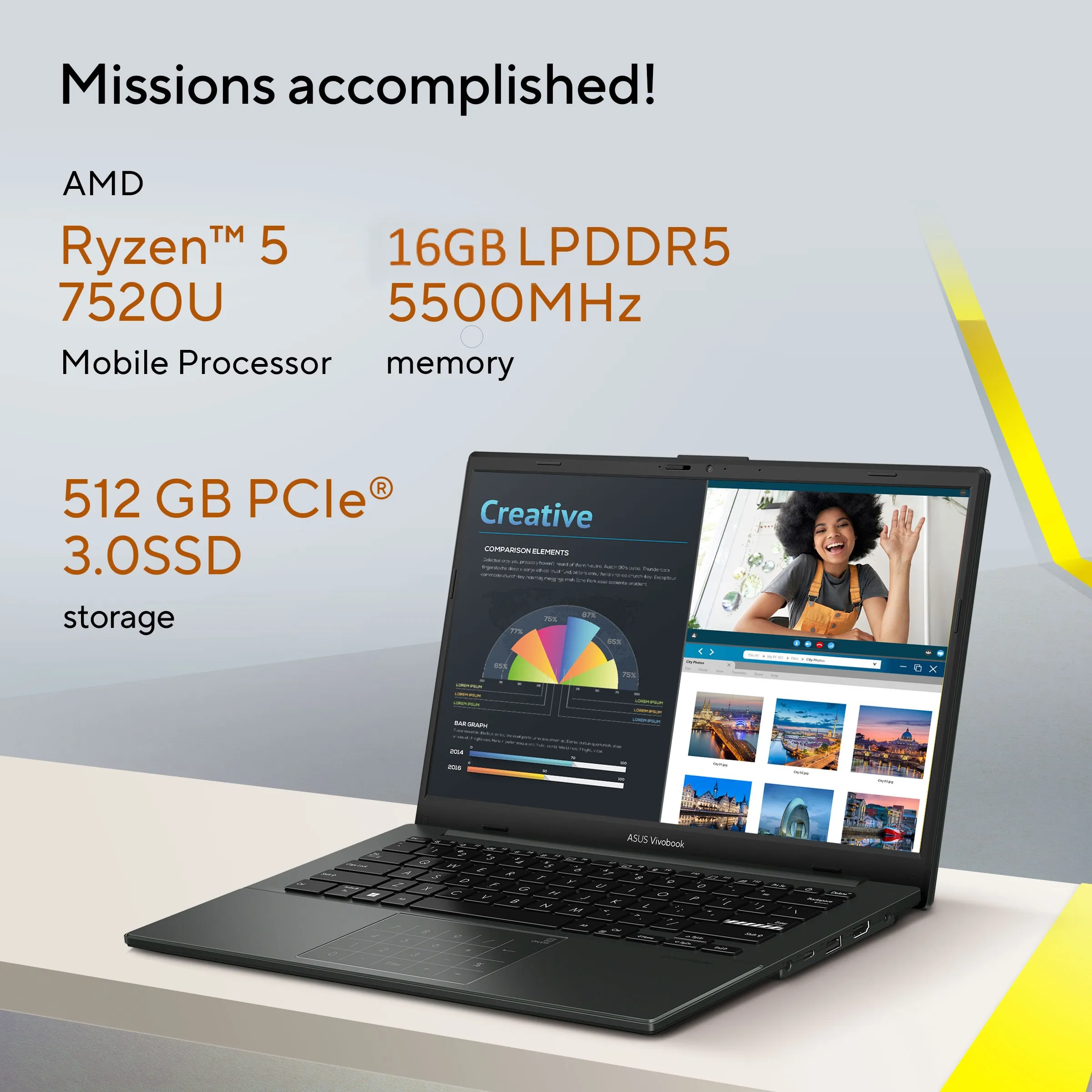
Student Laptop, AMD Ryzen 5 7520U (16GB/512GB/AMD Radeon Graphics/35.56 cms (14) FHD/Windows 11 Home/Office Home 2024 + M365 Basic (1 Year Validity)*)
The ASUS Vivobook Go 14 E1404FA-NK543WS is a lightweight and stylish laptop built for students, professionals, and everyday users. Powered by an AMD Ryzen 5 processor, it delivers smooth performance for work, study, browsing, and entertainment. Its 14-inch Full HD display offers crisp visuals, while the fast SSD ensures quick boot-ups and responsive multitasking. With a slim design, reliable battery life, and Windows 11, it’s an ideal companion for daily productivity on the go.
It’s light. It’s compact. It’s the ASUS Vivobook Go 14, and it’s designed to make you productive and keep you entertained wherever you go! With its 180° lay-flat hinge, physical webcam shield and loads of thoughtful design features, Vivobook Go 14 is the laptop that sets you free!
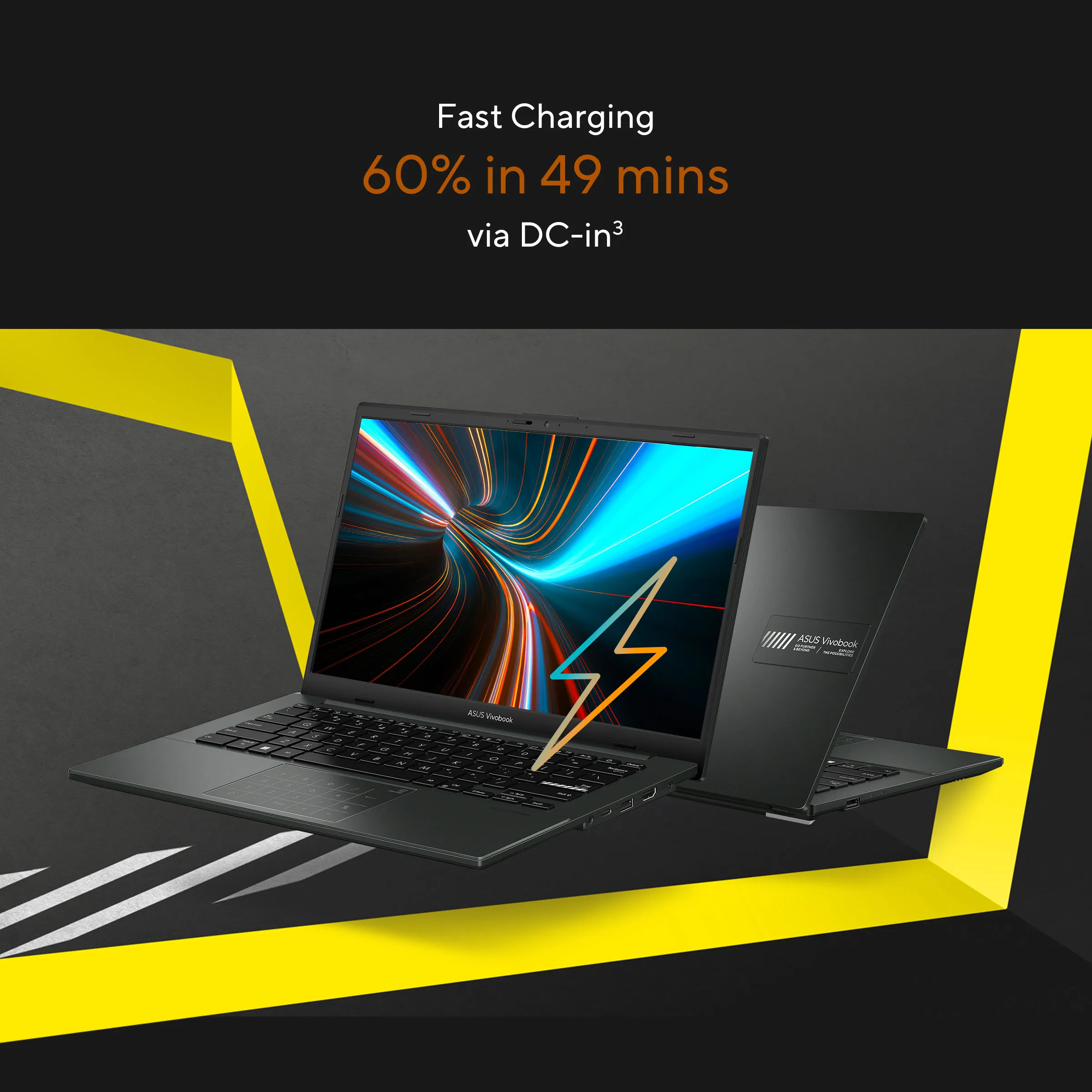
Vivobook Go 14 supports fast charging, so you can charge a low battery to 60% in as little as 49 minutes. You’ll be up and running quicker than ever!
Fast charging
60% in 49 mins
via DC-in
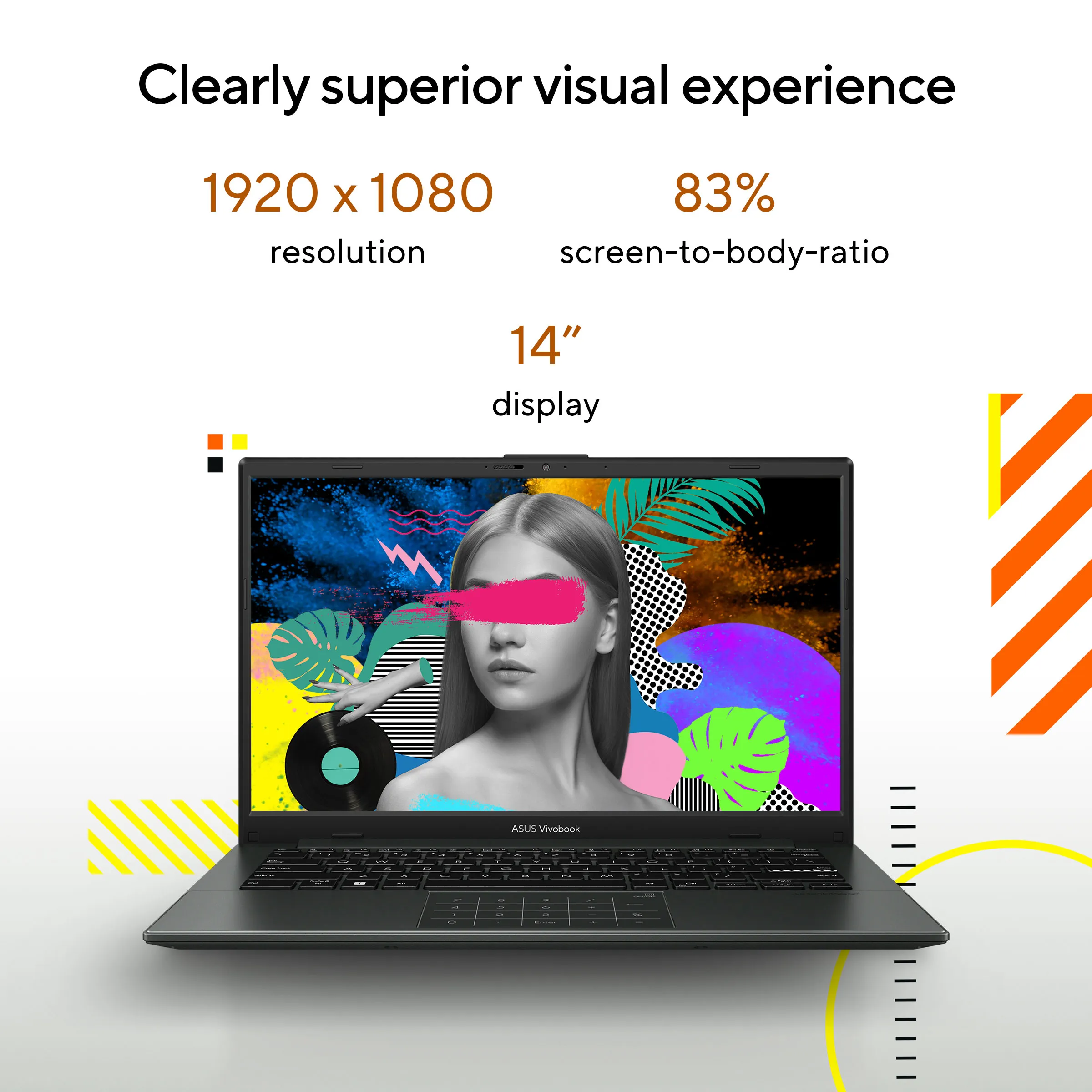
Vivobook Go 14 has beautifully clear visuals with its NanoEdge slim-bezel display that provides more screen space for multitasking and immersive viewing. It also reduces the risk of eye strain during long viewing sessions with its TÜV Rheinland eye-care certification.
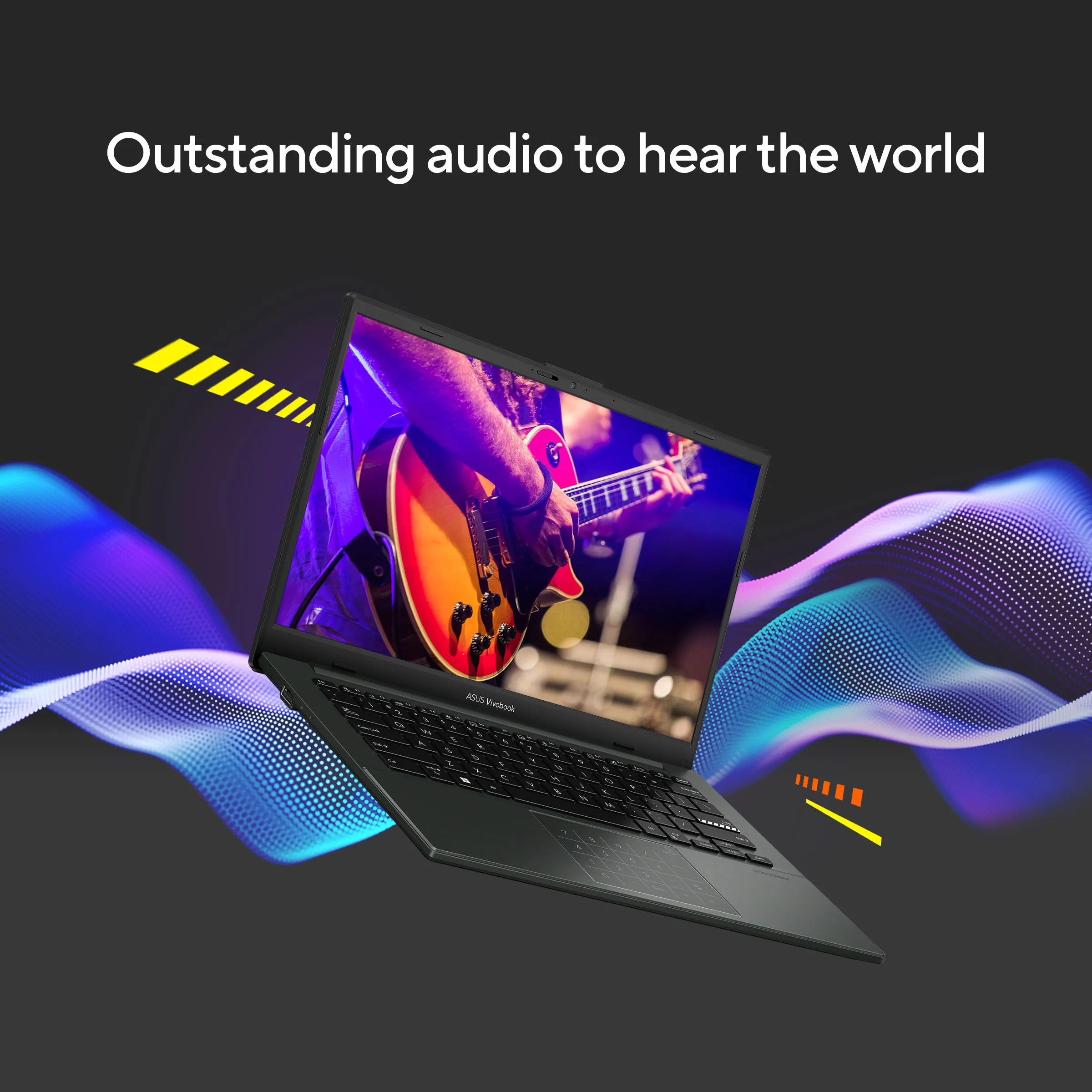
Vivobook Go 14 provides incredibly powerful, crystal-clear sound with ASUS SonicMaster and DTS Audio Processing. The combination of hardware and software boost the volume, and remove noise to improve audio clarity so you get truly immersive sound.
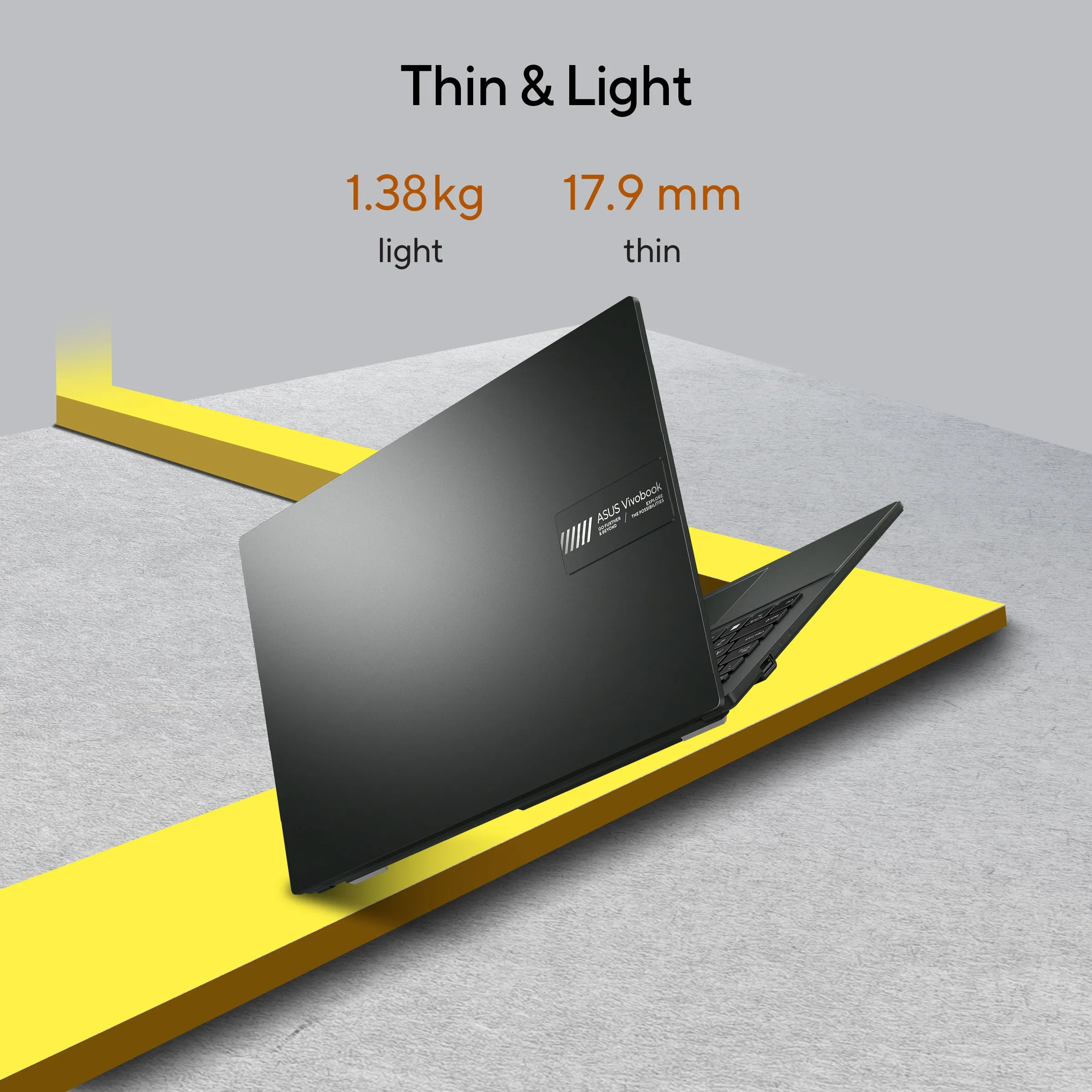
While matching your style, Vivobook Go 14 is also slim enough to slip into your bag, and light enough for easy one-handed carrying.
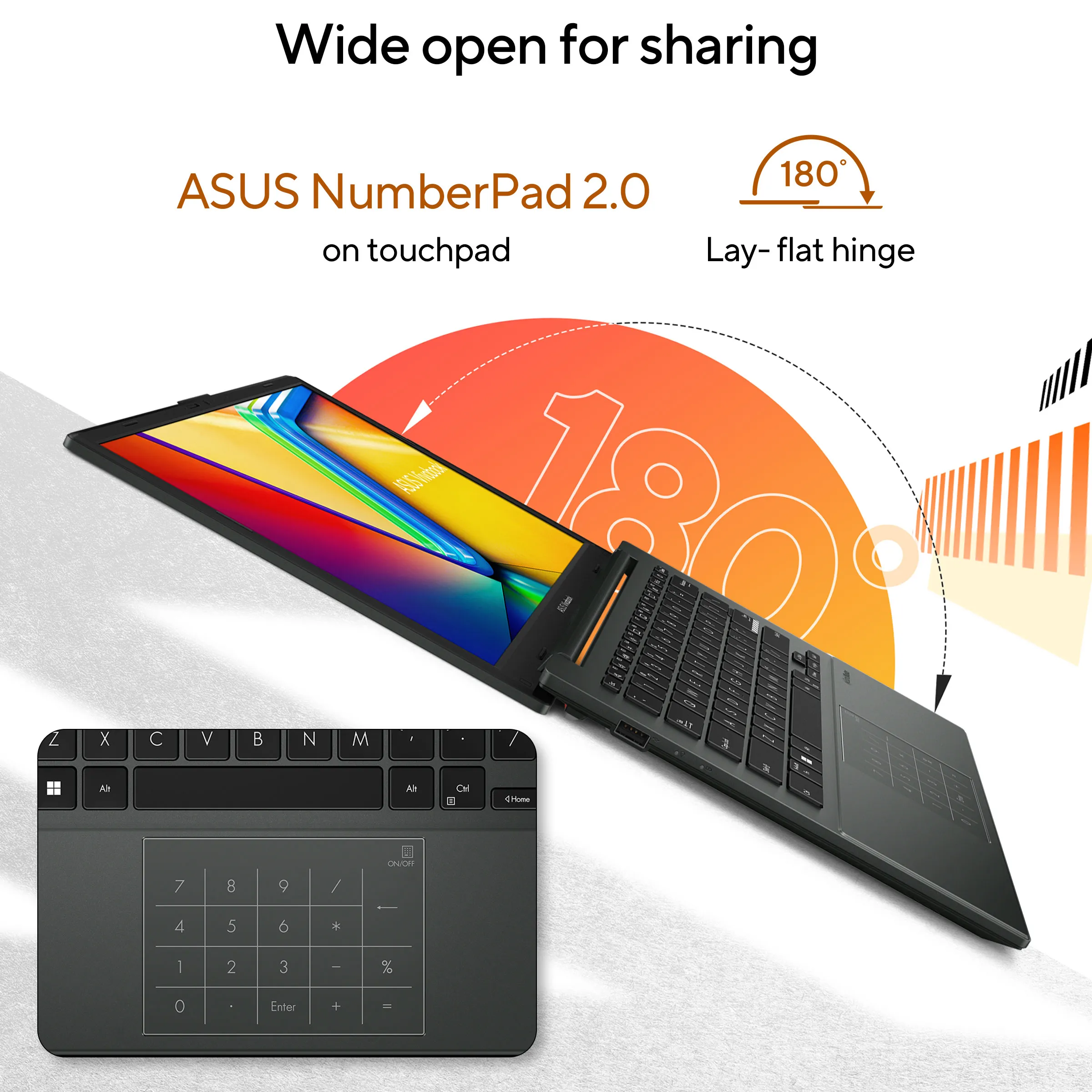
Vivobook Go 14 features a precision-engineered, 180° lay-flat hinge that makes it easy to share content or collaborate with others.
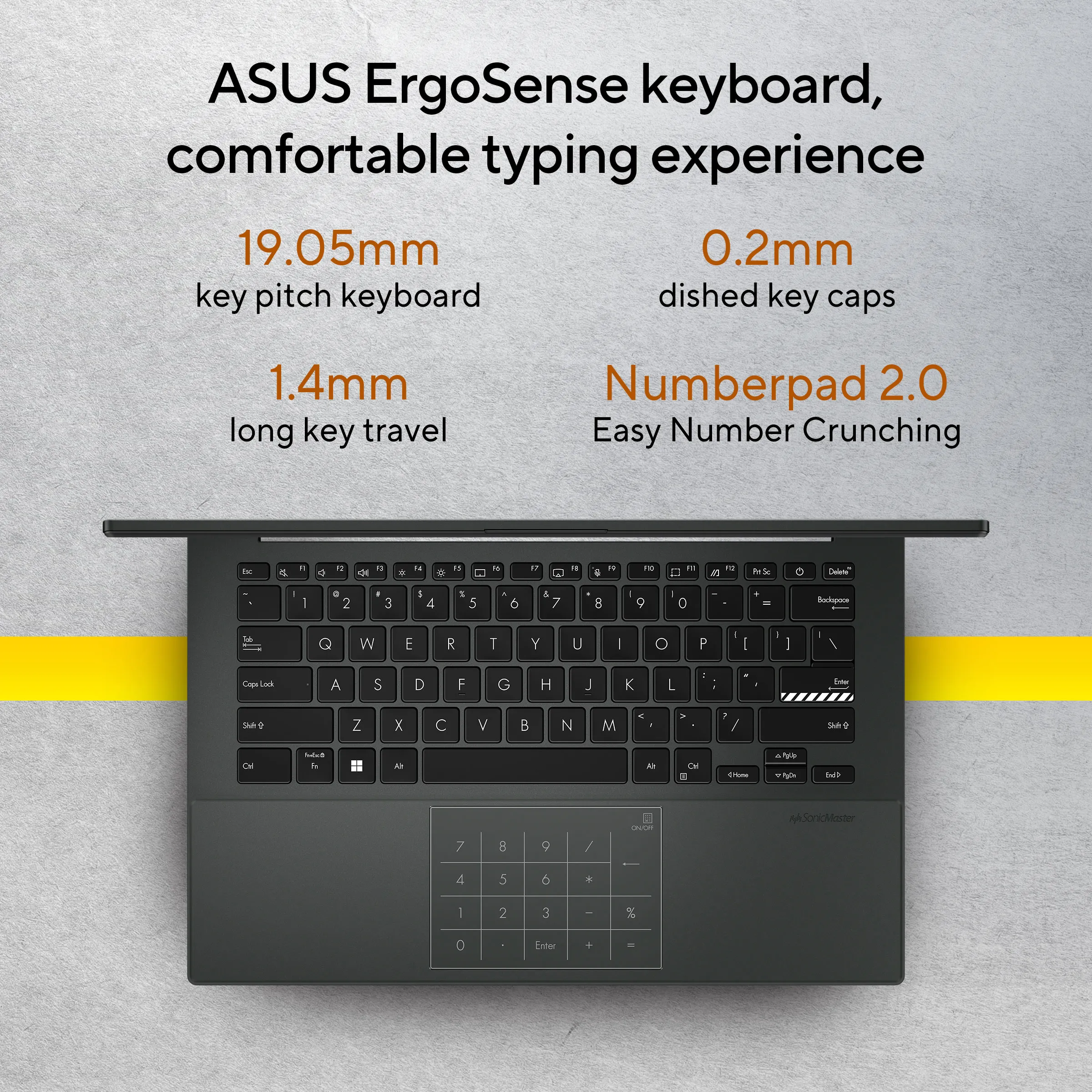
Your comfort is our highest priority. That’s why the ASUS ErgoSense keyboard has an incredibly satisfying feel, with the optimum key bounce and travel calculated with fine-tuned precision. Experience the ErgoSense keyboard and you’ll soon find yourself cruising effortlessly through your work.
Full-sized keyboard 19.05 mm
The full-size 19.05 mm key pitch is the same as a desktop keyboard so you can whizz through your work with superb typing comfort and accuracy.
Dished key caps 0.2 mm
The 0.2 mm key-cap dish is designed to match the shape of your fingertips so your fingers are gently guided to the ideal contact point with the keys.
Long key travel 1.4 mm
Good tactile feedback is important to let you know that your key press has been registered. The long 1.4 mm key travel lets you type without having to use too much force. And underneath the key, there’s a rubber dome crafted by keyboard experts here at ASUS. It guarantees your click force is met with just the right tactile bump you need for a nice grip.
0.1 mm key cap relief
When fully depressed, the keys on the ErgoSense keyboard don’t sink below the level of the keyboard deck. The key caps remain at least 0.1 mm above the chassis surface, providing you with a comfortable, ergonomic typing experience.
Optimal click ratio: Engineered to perfection
The feel of a keyboard depends on the crucial ratio between the peak force (also known as the actuation force) and the contact force. Peak force occurs when you press down on the key and reach the maximum force that the key’s underlying rubber dome can withstand without deflecting. Contact force occurs when the bottom of the key touches the circuit board to trigger an electronic signal, which in turn generates the action appropriate to the key. To achieve the most natural feel for a keyboard, ASUS keyboard experts have scientifically determined that the optimal ergonomic click ratio for a key is between 45-60%. These forces are precisely measured and tuned using the ASUS-designed rubber domes beneath the keys.
ASUS NumberPad 2.0
Vivobook Go 14 is equipped with ASUS NumberPad 2.0 which makes everything much easier when it’s time to crunch numbers: simply tap the touchpad icon to enable number input. Also, The optional keyboard backlight on Vivobook Go 14 is perfect for working in dim environments.
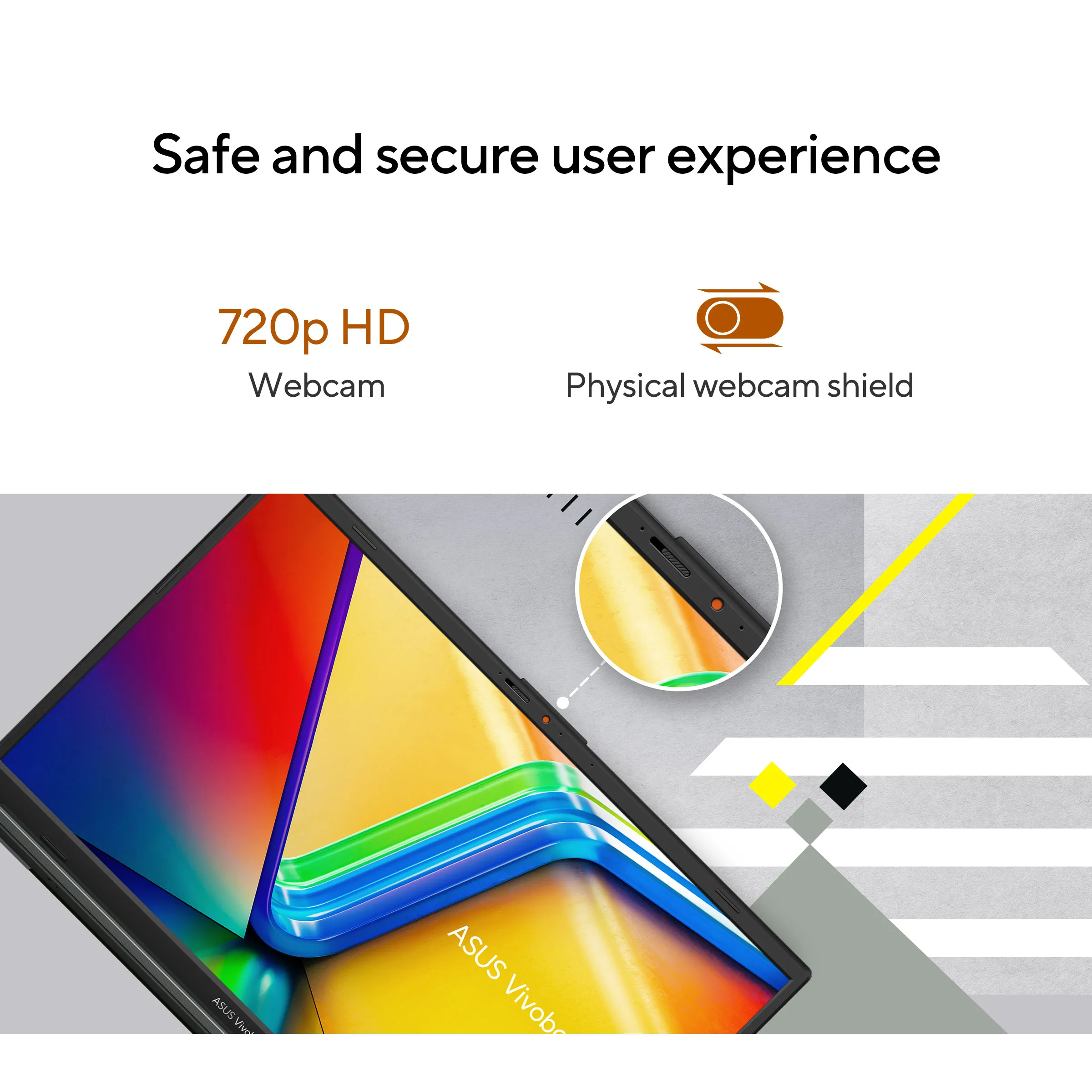
Physical webcam privacy shield
Vivobook Go 14 takes your privacy and security seriously. There’s an integrated privacy shield that slides over the webcam for instant privacy, shielding you from prying eyes and disturbances.
Perfect in every detail
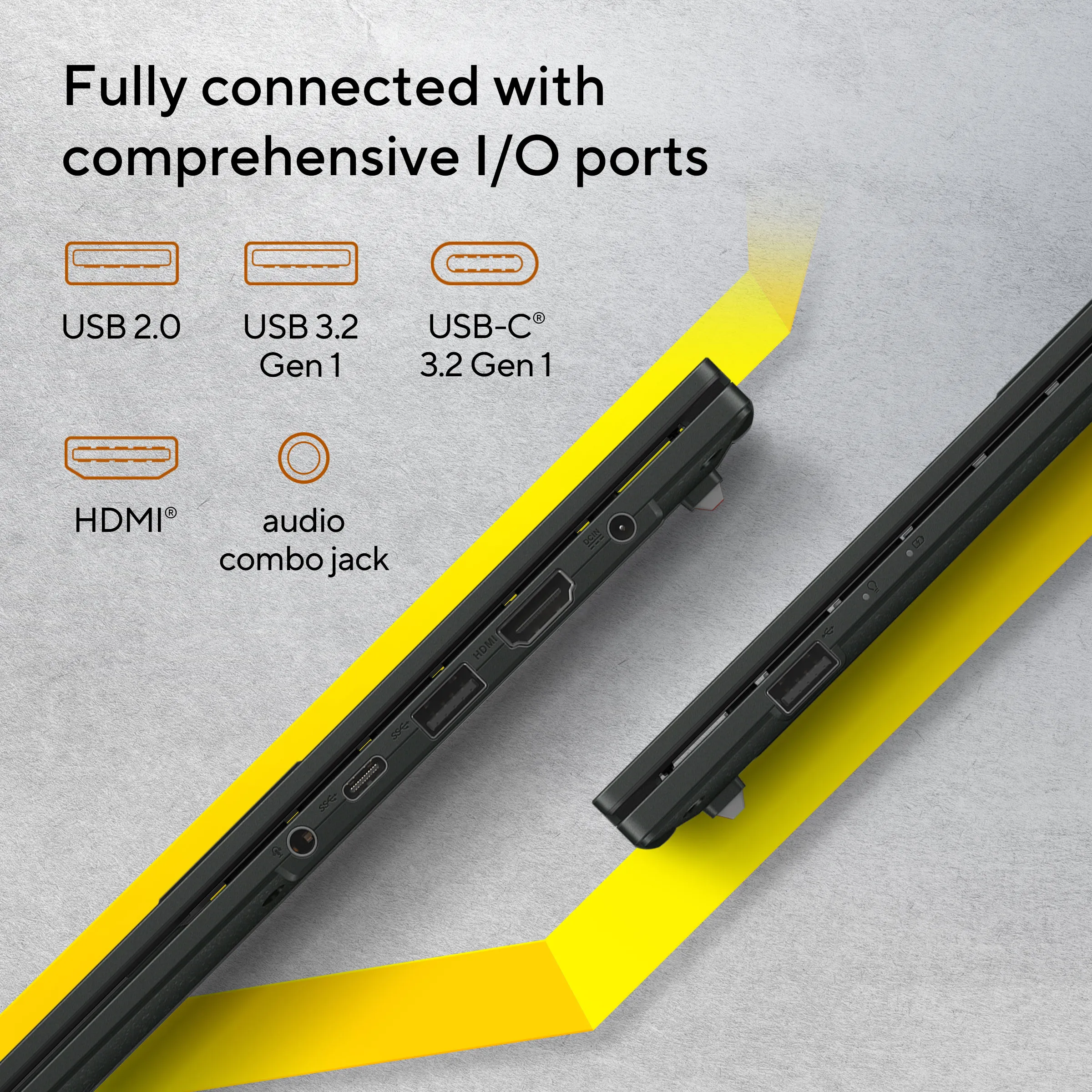
Vivobook Go 14 keeps you fully connected with its comprehensive I/O ports. There is a USB-C® 3.2 Gen 1 port, a USB 3.2 Gen 1 Type-A port, a USB 2.0 port, HDMI® output and an audio combo jack — so it’s easy to connect all your existing peripherals, displays and projectors.
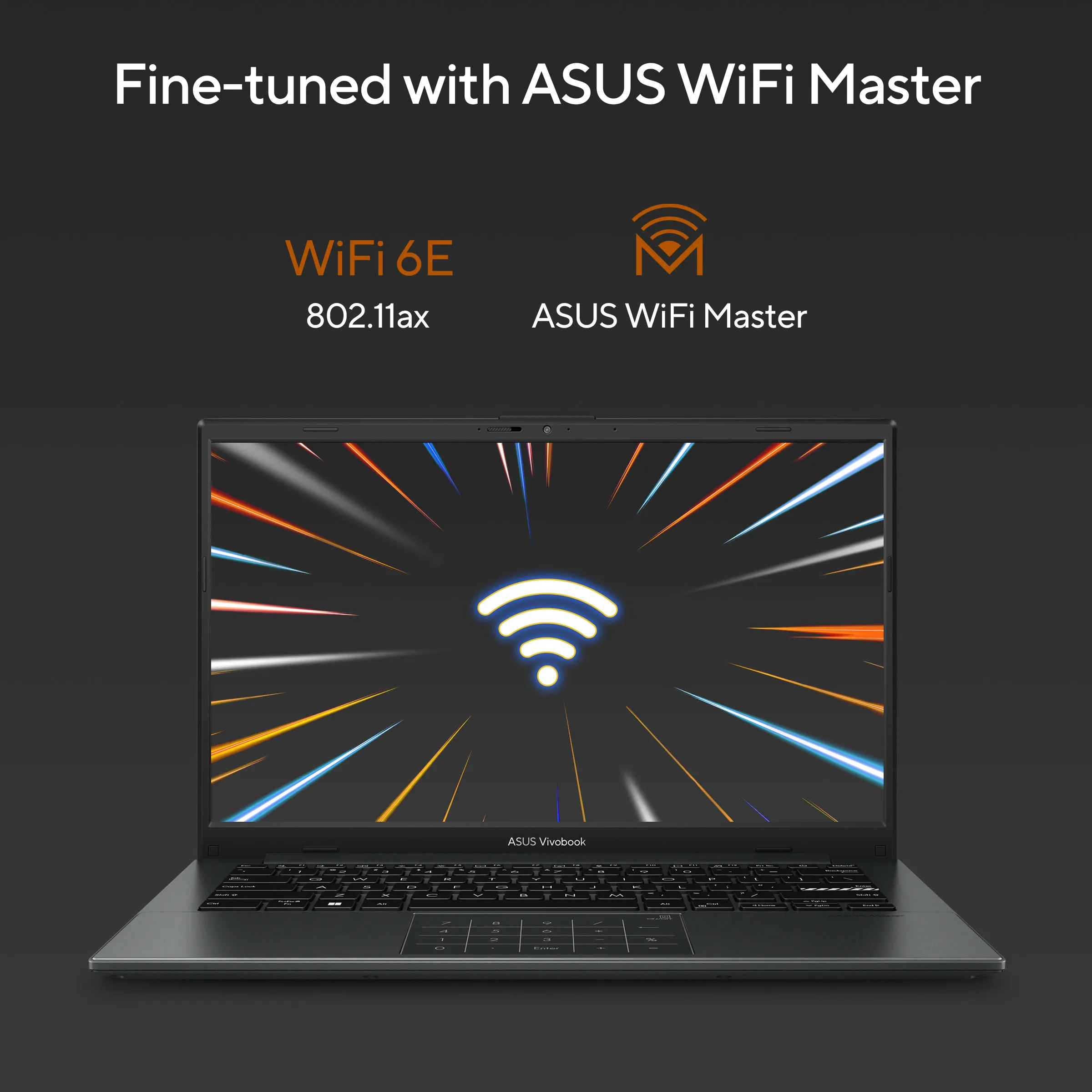
Fine-tuned with ASUS WiFi Master technology
Vivobook Go 14 offers a comprehensive range of wireless connectivity. WiFi 6E (802.11ax) allows you to load online content in the blink of an eye.
Next-level AI noise-canceling audio technology
To provide exceptional remote-working and video-conferencing experiences, features ASUS AI Noise-Canceling Technology that employs machine learning in order to isolate unwanted noise from human speech. This technology helps to filter out ambient noise for optimum group conference-call quality. The ASUS AI Noise-Canceling Microphone feature in the MyASUS app can filter out ambient noise so you’ll hear what everyone else is saying.
Conference calls with more possibilities
Conference calls can be single-presenter or multi-presenter, gathered around a single laptop with voices coming from various directions. With the upgraded system enabled via the MyASUS app, it detects and optimizes audio from either one direction or from all directions — ensuring top conference call audio quality.
Single presenter conference call
Single-presenter conference call mode can filter out noise and other voices, and ensures only the voice in front of laptop can be heard. When you switch on the Target Speaker Tracking mode it can even target and track new talkers within a 180° arc, making the feature ideal for recording large groups as well as for individuals.
Multi-presenter conference call
Multi-presenter conference call mode filters out ambient noise whilst identifying multiple voices from all directions and distances, so all voices can be heard more clearly.







Reviews
There are no reviews yet.